

Introduction
Modern enterprise applications demand more than just functional APIs they require scalable architecture, maintainable codebases, and efficient development workflows. As Node.js continues to power high-performance backend systems, choosing the right folder structure has become a critical engineering decision. Poorly organized projects often lead to technical debt, slower development, and difficult scalability. A well-structured Node.js architecture improves code separation, team collaboration, testing, deployment stability, and long-term maintainability. Whether building ERP systems, inventory platforms, SCM solutions, SaaS products, or enterprise APIs, adopting a modular and scalable folder structure ensures faster growth, cleaner code management, and future-ready backend development.
Enterprise-Grade Node.js Folder Structure Guide
In modern software engineering, backend architecture is no longer just a technical concern it’s a direct business decision.
As applications scale, the way your Node.js project is structured determines:
- Development speed
- Team productivity
- Deployment stability
- Scalability
- Maintenance cost
- System reliability
Many growing companies face the same challenge:
The application works perfectly in the early stage, but once the platform expands into multiple modules, APIs, and teams, the backend becomes increasingly difficult to maintain
This is especially common in systems such as:
- ERP platforms
- SCM solutions
- Inventory management systems
- Warehouse applications
- Multi-vendor eCommerce platforms
- SaaS products
- Financial systems
The root cause is often not Node.js itself it’s the project architecture.
A scalable folder structure is one of the most critical foundations for building enterprise-grade backend systems.
Why Traditional Node.js Structures Eventually Break
Most Node.js applications begin with a simple setup:
controllers/
models/
routes/
services/
Common Issues in Poorly Structured Projects
| Problem | Business Impact |
|---|---|
| Massive controllers | Difficult debugging |
| Repeated business logic | Increased maintenance |
| Tight coupling | Slow feature development |
| Mixed responsibilities | Poor scalability |
| Unorganized modules | Team confusion |
| Database logic everywhere | Hard migration & testing |
| No validation layer | Security risks |
The Modern Enterprise Approach: Feature-Based Architecture
Instead of organizing files globally by type, enterprise applications organize code by business feature.
Traditional Structure
controllers/
services/
routes/
models/
Scalable Modular Structure
modules/
├── auth/
├── users/
├── inventory/
├── warehouse/
├── purchase-order/
├── grn/
└── suppliers/
This approach isolates each business domain independently.
Benefits include:
- Easier scaling
- Cleaner ownership
- Faster onboarding
- Better maintainability
- Independent module development
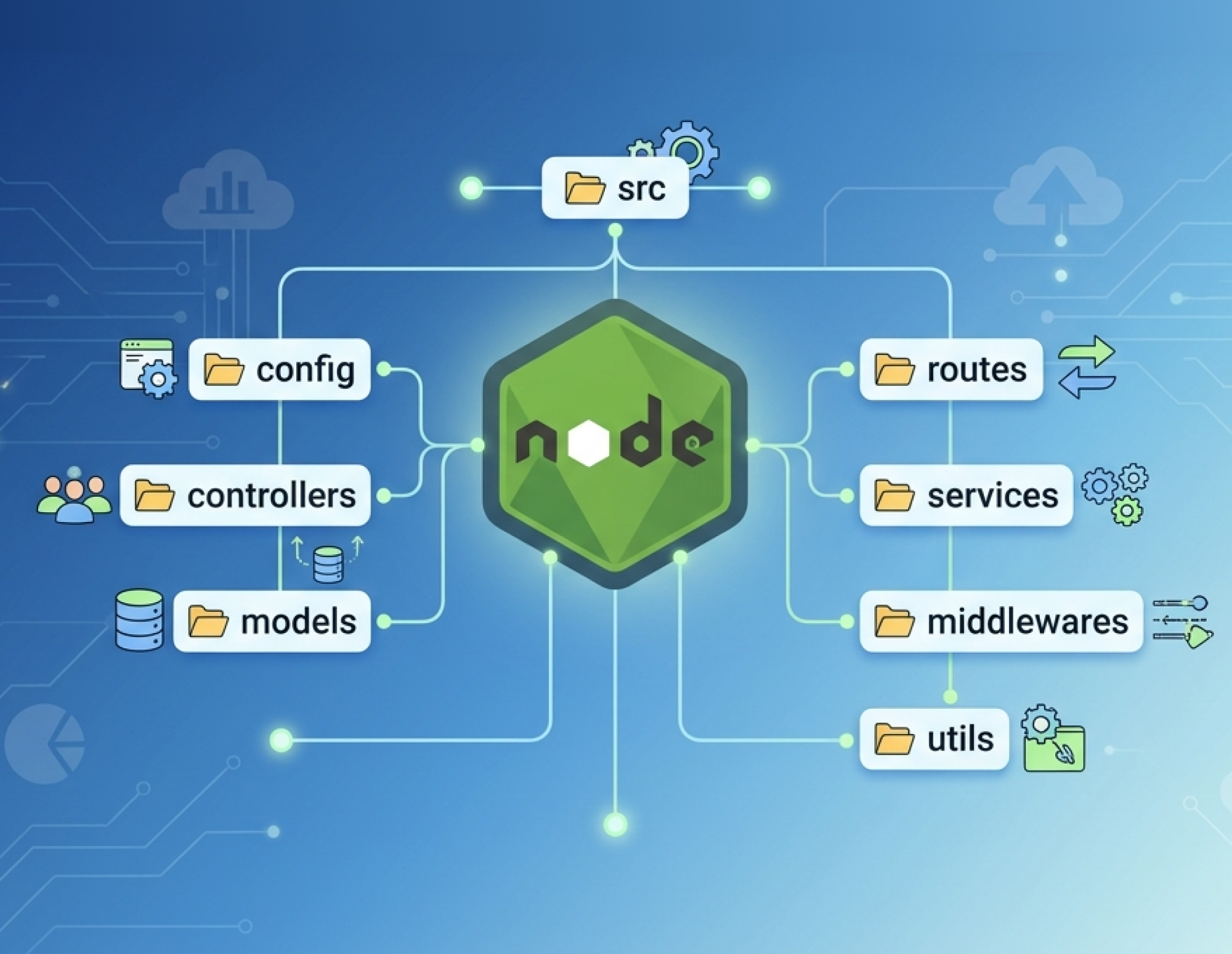
Recommended Enterprise Node.js Folder Structure:
A scalable backend architecture should separate responsibilities clearly.
project-root/
├── prisma/
├── src/
│   ├── config/
│   ├── middlewares/
│   ├── routes/
│   ├── modules/
│   ├── utils/
│   ├── validators/
│   ├── jobs/
│   ├── queues/
│   ├── events/
│   ├── sockets/
│   ├── docs/
│   └── tests/
├── package.json
├── tsconfig.json
└── .env
This structure is highly effective for:
- Multi-team environments
- ERP systems
- Large APIs
- Real-time applications
- Inventory systems
- Enterprise SaaS platforms
1. config/
The configuration layer centralizes application settings.
| File | Purpose |
|---|---|
| env.ts | Environment variables |
| database.ts | Database connection |
| logger.ts | Logging setup |
| constants.ts | Application constants |
Why It Matters
Without centralized configuration:
- Secrets get hardcoded
- Environments become inconsistent
- Deployments become risky
Centralized configuration improves:
- Security
- Deployment management
- Environment consistency
2. modules/
This is the core of the application. Each feature becomes an independent module.
Example:
product/
├── product.controller.ts
├── product.service.ts
├── product.repository.ts
├── product.validation.ts
├── product.routes.ts
└── product.types.ts
Why Modular Design Works
| Benefit | Impact |
|---|---|
| Isolation | Easier debugging |
| Reusability | Faster development |
| Scalability | Enterprise readiness |
| Team ownership | Better collaboration |
| Independent testing | Higher reliability |
Conclusion
A well-structured Node.js application is essential for building scalable, maintainable, and enterprise-ready backend systems. As applications grow in complexity, a clean folder architecture helps developers manage code efficiently, improve collaboration, and reduce technical debt. Using a modular approach with proper separation of controllers, services, repositories, and validations ensures better scalability and easier maintenance. Combined with technologies like TypeScript, Prisma, PostgreSQL, and Redis, this architecture supports high-performance applications across ERP, SCM, inventory, and SaaS platforms. Investing in a scalable Node.js folder structure from the beginning creates a strong foundation for faster development, reliable deployments, and long-term business growth.

Discover Your Ideas With Us
Transform your business with our Web Development solutions. Achieve growth, innovation, and success. Collaborate with our skilled development team today to revolutionize your digital presence!